
Use cases
Who uses Vi3W, and for what
How game developers, AR and VR creators and product designers use AI-generated 3D models: the workflow, the exports, and the limits.
- Practical examples
- Step-by-step workflows
- Recommended formats
- Works with your tools
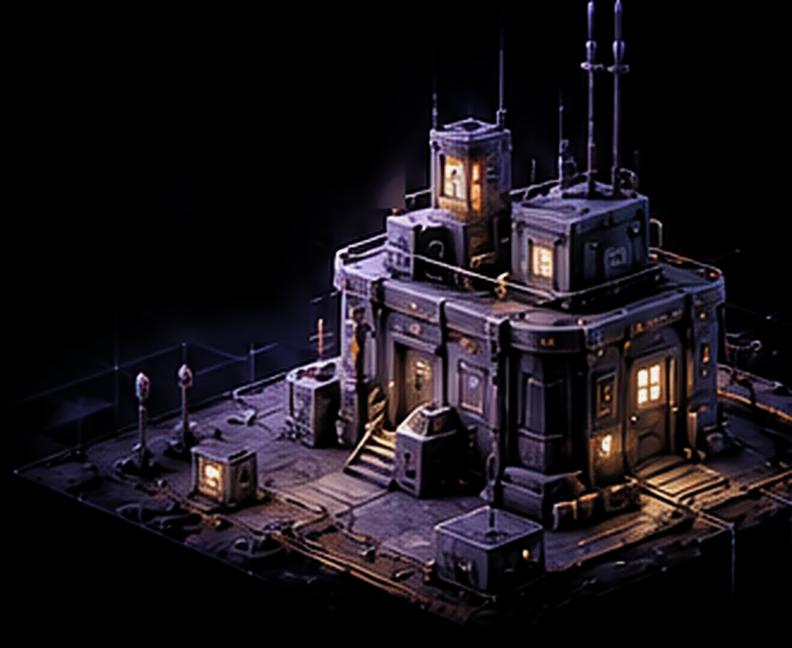
The 3D workflow with Vi3W
From a simple idea to a production-ready model, in four steps.
- 1
Input
Start with a text prompt, a sketch or an image.
- 2
AI generation
Vi3W creates a textured 3D model in seconds.
- 3
Edit and refine
Adjust style, geometry, materials and LOD.
- 4
Export and use
Export and import into your favourite tools.
Explore use cases
Practical workflows for different industries and creative needs.
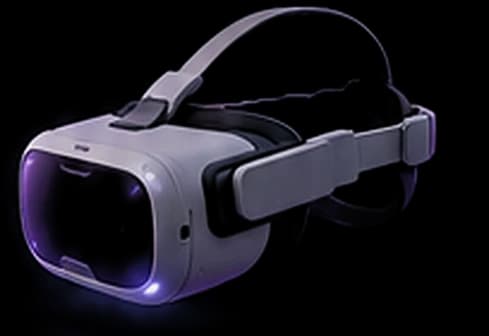
- AR and VRGenerate or model the object, keep its polygon count and textures within the device's budget, and export it in the format the platform reads: GLB for WebXR, Android and most headsets, USDZ for Apple's AR Quick Look.
- Best format for WebXR and Android: GLB (glTF 2.0)
- Apple AR Quick Look: USDZ, converted from GLB in Blender
- Vi3W exports: GLB / glTF, FBX, OBJ
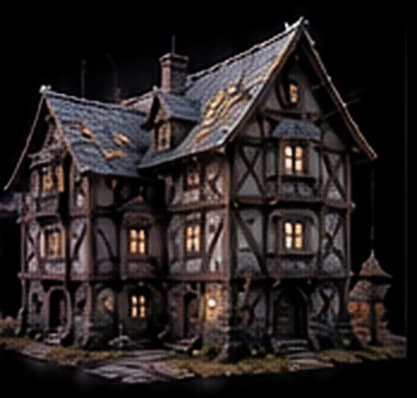
- Game developmentIt turns the slowest part of building a world, modelling dozens of props and set pieces by hand, into describing or sketching each one.
- Inputs: Text prompt, hand-drawn sketch or reference photo
- Exports: GLB / glTF, FBX, OBJ
- Engines: Unity, Unreal Engine 5, Godot 4, Three.js
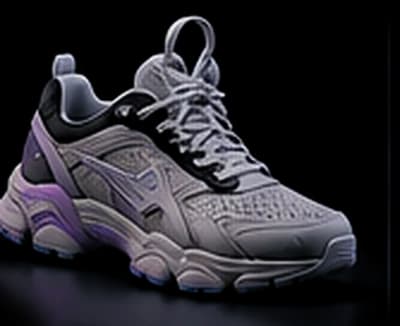
- Product designTo turn early sketches and reference photos into 3D concept models without CAD.
- Inputs: Product sketches, concept art or reference photos
- Exports: GLB / glTF, FBX, OBJ
- Good for: Concept visuals, web viewers, AR previews, pitch renders
- Building something else?Every Vi3W model exports as GLB, FBX or OBJ, so it fits any pipeline that reads standard 3D files.See every integration
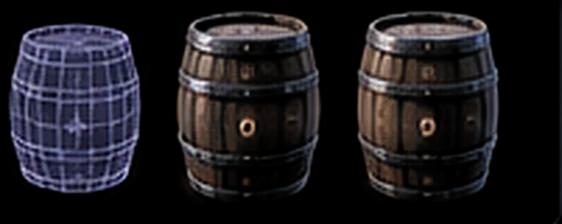
Step-by-step workflow (example: game asset)
A complete workflow from prompt to in-engine asset.
1Create a prompt
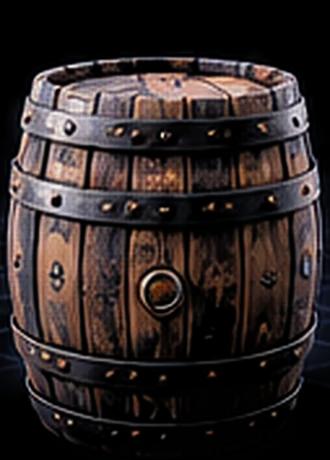
A medieval wooden barrel with metal rings, game asset, PBR, realistic
One object per prompt, with shape, material and style.
2Generate in Vi3W
A textured, retopologised model in the browser editor.
3Refine and edit
Adjust geometry, materials, LOD and style.
4Export and use
GLBFBXOBJImport into your engine or DCC tool.
Recommended formats
Choose the right format for your workflow.
| Format | Best for | Notes |
|---|---|---|
| GLB / glTF | Web, AR/VR, Godot, Three.js, Blender | Recommended. One file carries the mesh, UVs and PBR textures. |
| FBX | Unity, Unreal Engine, DCC pipelines | Widely supported. Unity imports it natively. |
| OBJ | Legacy tools, 3D printing prep | Mesh and UVs only. Its .mtl predates metallic and roughness maps. |
| USDZ | AR on iPhone and iPad (Quick Look) | Not a direct export. Convert the GLB in Blender or Reality Converter. |
Tool integrations
Import Vi3W models into popular tools.
Frequently asked questions
What file format should I use for Unity or Unreal Engine?
FBX for Unity, which imports it natively; glTF works there through the glTFast package. Unreal Engine 5 imports both glTF and FBX natively, so pick GLB unless your pipeline expects FBX.
Are the models optimised for real-time use?
Every model is retopologised automatically and ships with PBR textures, so it lights and renders like a hand-built asset. For large scenes, build LOD levels in your engine or in Blender.
Can I edit the models after exporting?
Yes. The mesh has clean topology and UVs, so it opens in Blender or any DCC tool and edits like any other asset: loop tools, UV edits, modifiers and repainting all work.
Can Vi3W rig or animate characters?
No. Vi3W generates static meshes. Rig and animate them afterwards in Blender, with Rigify or by hand, or in your engine's own tools.
Related workflows
Explore more guides and tutorials.
Quick answer
What can you use AI-generated 3D models for?
AI-generated 3D models fill games with props, give AR and VR projects lightweight assets, and turn product sketches into models for renders and web viewers. Vi3W covers each from a text prompt, sketch or photo, exporting retopologised, PBR-textured glTF, FBX or OBJ. Each use case below explains the workflow and where it stops.
Pick your workflow
Every use case page follows the same structure: who it is for, how the work actually flows, what the key facts are, and what Vi3W does not do for that audience. Start with game development for props and set dressing, AR and VR for assets that must stay light on headsets and phones, or product design for concept models and renders.
