
AI 3D editor
The Vi3W 3D editor
Generate, retopologise, texture and export 3D assets in the browser. What each capability does, what it produces, and where it falls short.
- No installation
- Game-ready models
- Works with your tools
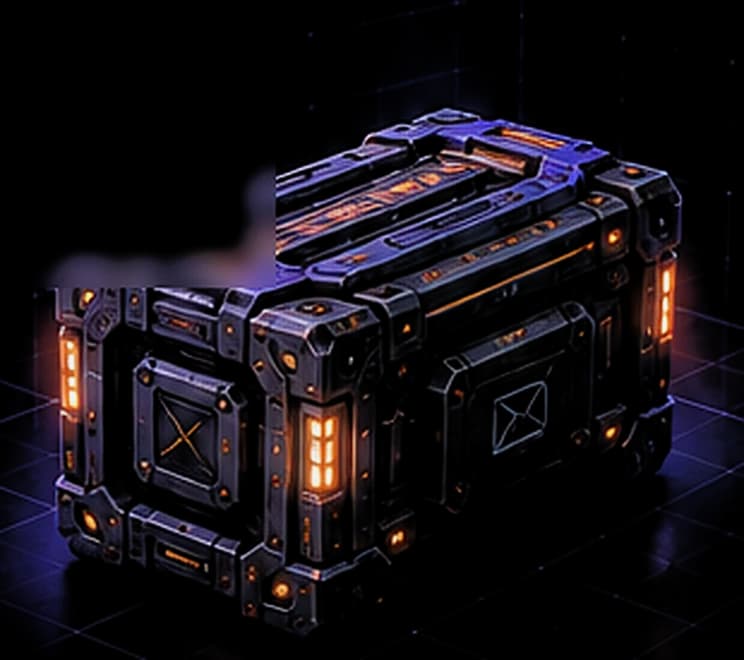
Create 3D from anything
Turn your ideas into 3D models with your preferred input.
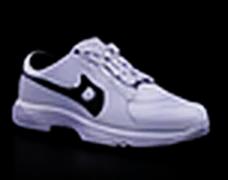
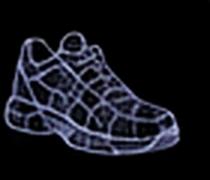
- Text to 3DType a description of the object into a text-to-3D generator such as Vi3W: what it is, its shape, material and style.
- Image to 3DUpload a single photo or reference image to an image-to-3D generator such as Vi3W.
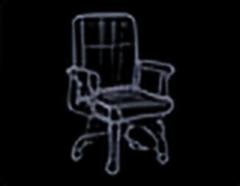
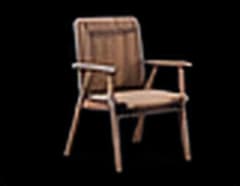
- Sketch to 3DUpload the drawing to a sketch-to-3D tool such as Vi3W, which reads the shapes and proportions in your lines and generates a textured 3D mesh from them.
See Vi3W in action
How it works
Go from idea to a production-ready 3D model in four steps.
- 1
Input your idea
Use text, an image or a sketch.
- 2
AI generates 3D
Vi3W creates a textured 3D model in the browser.
- 3
Edit and refine
Adjust geometry, materials and style in the editor.
- 4
Export and use
Download and import into your favourite tools.
Export formats
Download your models in industry-standard formats.
GLB / glTF
Best for web, Godot, Three.js and Blender
FBX
For Unity, Unreal Engine and DCC tools
OBJ
Geometry only (PBR maps are lost)
USDZ
Convert from GLB for Apple AR Quick Look
Works with your favourite tools
Import Vi3W models into professional software.
Frequently asked questions
What kinds of 3D models can I create with Vi3W?
Single objects: props, vehicles, furniture, product concepts, environment pieces and first drafts of characters. Vi3W generates one object per prompt, sketch or image, not whole scenes.
What file formats can I export?
GLB / glTF, FBX and OBJ. GLB is recommended because one file carries the mesh, UVs and PBR textures.
Are the models game-ready?
Every model is retopologised automatically and ships with PBR textures, so it imports into Unity, Unreal Engine and Godot like a hand-built prop. Hero characters that deform up close still need a modeller's edge loops.
Do I need to install any software?
No. Vi3W runs in the browser — Chrome, Firefox or Edge — with no install and no local GPU.
Is there a free plan?
Yes. The free plan gives you 100 XP once when you sign up, enough for about three models from text, a sketch or an image. No card needed.
Related features
More ways to create and edit 3D content.
Quick answer
What does the Vi3W 3D editor do?
Vi3W is a browser-based AI 3D editor. It generates textured 3D models from a text prompt, a hand-drawn sketch or a photo, retopologises them automatically, adds AI-generated PBR materials, and exports glTF, FBX or OBJ for Unity, Unreal Engine, Godot, Blender and the web. Nothing to install and no GPU required.
Three ways in, one way out
Vi3W accepts three kinds of input. A sketch pins down the silhouette you already have in mind. A photo or reference image pins down appearance. A text prompt leaves the most room to explore. Whichever you start from, the output is the same kind of asset: a textured mesh, retopologised automatically, exported in the formats your engine already reads.
What it does not do
Vi3W generates static, single-object meshes. It does not rig or animate, it does not build whole scenes from one prompt, and it is not a 3D scanner. It is the step before Blender or Maya, not a replacement for them. Each capability page lists its own limits in full.
